
29 KiB






🌐 Multi-Language Support
Supported via GitHub Action (Automated & Always Up-to-Date)
Arabic | Bengali | Bulgarian | Burmese (Myanmar) | Chinese (Simplified) | Chinese (Traditional, Hong Kong) | Chinese (Traditional, Macau) | Chinese (Traditional, Taiwan) | Croatian | Czech | Danish | Dutch | Estonian | Finnish | French | German | Greek | Hebrew | Hindi | Hungarian | Indonesian | Italian | Japanese | Kannada | Korean | Lithuanian | Malay | Malayalam | Marathi | Nepali | Nigerian Pidgin | Norwegian | Persian (Farsi) | Polish | Portuguese (Brazil) | Portuguese (Portugal) | Punjabi (Gurmukhi) | Romanian | Russian | Serbian (Cyrillic) | Slovak | Slovenian | Spanish | Swahili | Swedish | Tagalog (Filipino) | Tamil | Telugu | Thai | Turkish | Ukrainian | Urdu | Vietnamese
Join Our Community
We get one Discord learn with AI series wey dey go on, learn more and join us for Learn with AI Series from 18 - 30 September, 2025. You go fit get tips and tricks on how to use GitHub Copilot for Data Science.
Machine Learning for Beginners - A Curriculum
🌍 Travel around di world as we dey explore Machine Learning through world cultures 🌍
Cloud Advocates for Microsoft happy to offer 12-week, 26-lesson curriculum wey dey all about Machine Learning. For dis curriculum, you go learn about wetin dem dey call classic machine learning, wey mainly dey use Scikit-learn as library and no go deep learning, wey dey inside our AI for Beginners' curriculum. You fit join these lessons with our 'Data Science for Beginners' curriculum too!
Make you travel with us around di world as we dey apply these classic techniques to data from many parts of di world. Each lesson get pre- and post-lesson quizzes, written instructions to complete di lesson, solution, assignment, and more. Our project-based way of teaching dey allow you learn as you dey build, na better way for new skills to 'stick'.
✍️ Big thanks to our authors Jen Looper, Stephen Howell, Francesca Lazzeri, Tomomi Imura, Cassie Breviu, Dmitry Soshnikov, Chris Noring, Anirban Mukherjee, Ornella Altunyan, Ruth Yakubu and Amy Boyd
🎨 Thanks too to our illustrators Tomomi Imura, Dasani Madipalli, and Jen Looper
🙏 Special thanks 🙏 to our Microsoft Student Ambassador authors, reviewers, and content contributors, especially Rishit Dagli, Muhammad Sakib Khan Inan, Rohan Raj, Alexandru Petrescu, Abhishek Jaiswal, Nawrin Tabassum, Ioan Samuila, and Snigdha Agarwal
🤩 Extra thanks to Microsoft Student Ambassadors Eric Wanjau, Jasleen Sondhi, and Vidushi Gupta for our R lessons!
Getting Started
Follow these steps:
- Fork the Repository: Click di "Fork" button for di top-right corner of dis page.
- Clone the Repository:
git clone https://github.com/microsoft/ML-For-Beginners.git
find all additional resources for this course in our Microsoft Learn collection
🔧 Need help? Check our Troubleshooting Guide for solutions to common issues with installation, setup, and running lessons.
Students, to use dis curriculum, fork di whole repo to your own GitHub account and complete di exercises by yourself or with group:
- Start with pre-lecture quiz.
- Read di lecture and complete di activities, stop and think for each knowledge check.
- Try to create di projects by understanding di lessons instead of just running di solution code; but di code dey available for
/solutionfolders for each project-based lesson. - Take di post-lecture quiz.
- Complete di challenge.
- Complete di assignment.
- After you finish one lesson group, visit di Discussion Board and "learn out loud" by filling di correct PAT rubric. 'PAT' na Progress Assessment Tool wey be rubric you go fill to help your learning. You fit also react to other PATs so we fit learn together.
For more study, we recommend to follow these Microsoft Learn modules and learning paths.
Teachers, we don include some suggestions on how to use dis curriculum.
Video walkthroughs
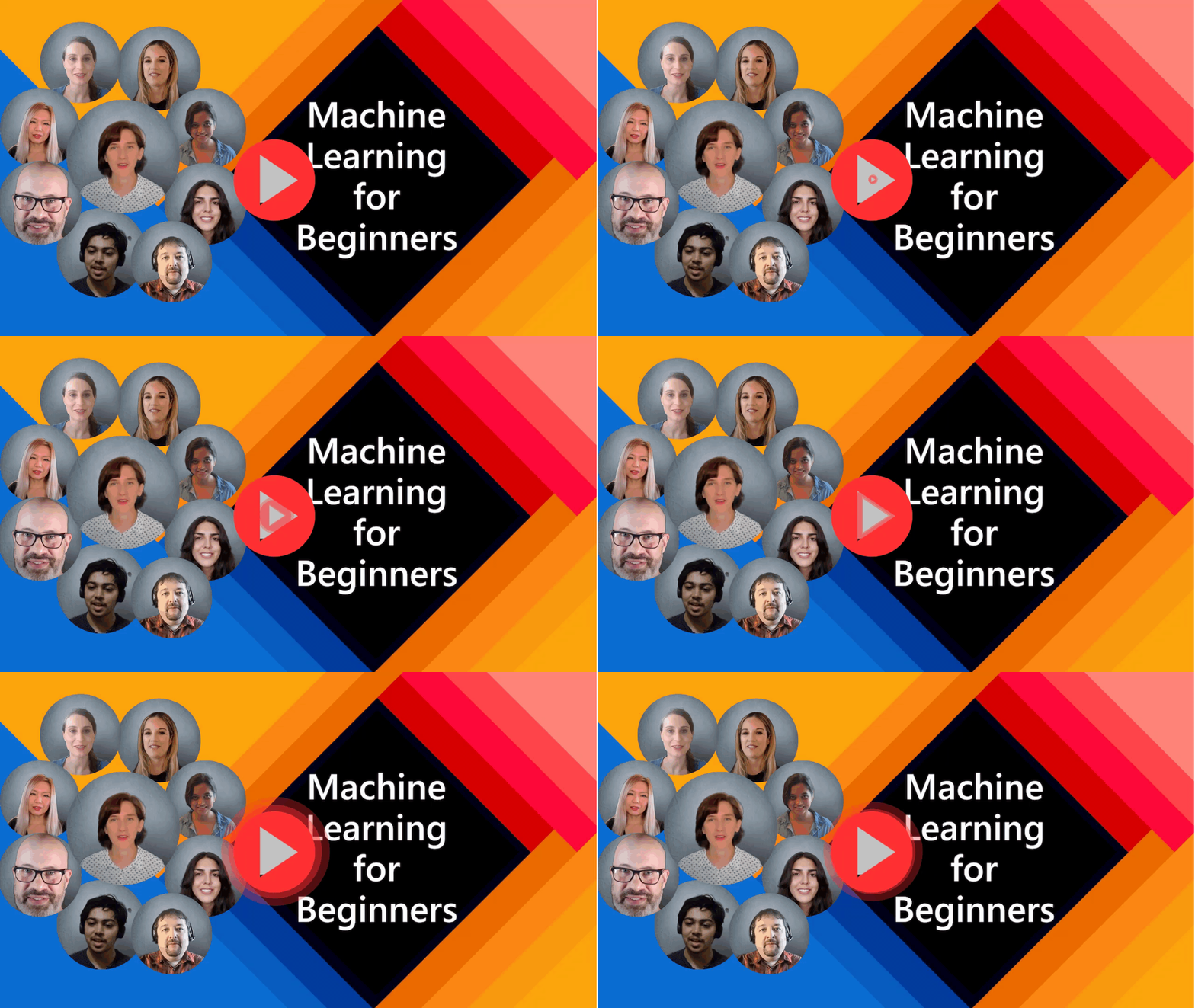
Some lessons dey available as short form video. You fit find all these inside di lessons, or for ML for Beginners playlist on the Microsoft Developer YouTube channel by clicking di image below.
Meet the Team
Gif by Mohit Jaisal
🎥 Click di image above for video about di project and di people wey create am!
Pedagogy
We choose two teaching principles while we dey build dis curriculum: to make am hands-on project-based and to include frequent quizzes. Plus, dis curriculum get one common theme to make am consistent.
By making sure say di content match projects, di process go dey more interesting for students and e go help dem remember concepts well. Plus, one low-stakes quiz before class dey set student mind to learn topic, and one more quiz after class go help dem remember more. Dis curriculum design to be flexible and fun and you fit take am full or part. Di projects start small and go big as di 12-week cycle dey end. Dis curriculum also get one postscript on real-world ML applications, wey fit be extra credit or discussion base.
Find our Code of Conduct, Contributing, Translation, and Troubleshooting guidelines. We dey welcome your constructive feedback!
Each lesson includes
- optional sketchnote
- optional supplemental video
- video walkthrough (some lessons only)
- pre-lecture warmup quiz
- written lesson
- for project-based lessons, step-by-step guides on how to build di project
- knowledge checks
- a challenge
- supplemental reading
- assignment
- post-lecture quiz
A note about languages: These lessons mainly dey written for Python, but many dey also available for R. To complete R lesson, go di
/solutionfolder and find R lessons. Dem get .rmd extension wey mean R Markdown file wey fit be simply defined as embeddingcode chunks(of R or other languages) andYAML header(wey guide how to format outputs like PDF) insideMarkdown document. So, e serve as good authoring framework for data science because e allow you to combine your code, output, and your thoughts by writing dem down for Markdown. Plus, R Markdown documents fit render to output formats like PDF, HTML, or Word.
A note about quizzes: All quizzes dey inside Quiz App folder, total 52 quizzes with three questions each. Dem link from inside lessons but quiz app fit run locally; follow instruction inside
quiz-appfolder to host locally or deploy to Azure.
| Lesson Number | Topic | Lesson Grouping | Learning Objectives | Linked Lesson | Author |
|---|---|---|---|---|---|
| 01 | Introduction to machine learning | Introduction | Learn di basic concepts wey dey behind machine learning | Lesson | Muhammad |
| 02 | The History of machine learning | Introduction | Learn di history wey dey under dis field | Lesson | Jen and Amy |
| 03 | Fairness and machine learning | Introduction | Wetin be di important philosophical issues about fairness wey students suppose consider wen dem dey build and apply ML models? | Lesson | Tomomi |
| 04 | Techniques for machine learning | Introduction | Wetin techniques ML researchers dey use to build ML models? | Lesson | Chris and Jen |
| 05 | Introduction to regression | Regression | Start to use Python and Scikit-learn for regression models | Python • R | Jen • Eric Wanjau |
| 06 | North American pumpkin prices 🎃 | Regression | Visualize and clean data to prepare for ML | Python • R | Jen • Eric Wanjau |
| 07 | North American pumpkin prices 🎃 | Regression | Build linear and polynomial regression models | Python • R | Jen and Dmitry • Eric Wanjau |
| 08 | North American pumpkin prices 🎃 | Regression | Build logistic regression model | Python • R | Jen • Eric Wanjau |
| 09 | A Web App 🔌 | Web App | Build web app to use your trained model | Python | Jen |
| 10 | Introduction to classification | Classification | Clean, prep, and visualize your data; introduction to classification | Python • R | Jen and Cassie • Eric Wanjau |
| 11 | Delicious Asian and Indian cuisines 🍜 | Classification | Introduction to classifiers | Python • R | Jen and Cassie • Eric Wanjau |
| 12 | Delicious Asian and Indian cuisines 🍜 | Classification | More classifiers | Python • R | Jen and Cassie • Eric Wanjau |
| 13 | Delicious Asian and Indian cuisines 🍜 | Classification | Build recommender web app using your model | Python | Jen |
| 14 | Introduction to clustering | Clustering | Clean, prep, and visualize your data; Introduction to clustering | Python • R | Jen • Eric Wanjau |
| 15 | Exploring Nigerian Musical Tastes 🎧 | Clustering | Explore K-Means clustering method | Python • R | Jen • Eric Wanjau |
| 16 | Introduction to natural language processing ☕️ | Natural language processing | Learn basics about NLP by building simple bot | Python | Stephen |
| 17 | Common NLP Tasks ☕️ | Natural language processing | Deepen your NLP knowledge by understanding common tasks wey dem need wen dem dey deal with language structures | Python | Stephen |
| 18 | Translation and sentiment analysis ♥️ | Natural language processing | Translation and sentiment analysis with Jane Austen | Python | Stephen |
| 19 | Romantic hotels of Europe ♥️ | Natural language processing | Sentiment analysis with hotel reviews 1 | Python | Stephen |
| 20 | Romantic hotels of Europe ♥️ | Natural language processing | Sentiment analysis with hotel reviews 2 | Python | Stephen |
| 21 | Introduction to time series forecasting | Time series | Introduction to time series forecasting | Python | Francesca |
| 22 | ⚡️ World Power Usage ⚡️ - time series forecasting with ARIMA | Time series | Time series forecasting with ARIMA | Python | Francesca |
| 23 | ⚡️ World Power Usage ⚡️ - time series forecasting with SVR | Time series | Time series forecasting with Support Vector Regressor | Python | Anirban |
| 24 | Introduction to reinforcement learning | Reinforcement learning | Introduction to reinforcement learning with Q-Learning | Python | Dmitry |
| 25 | Help Peter avoid the wolf! 🐺 | Reinforcement learning | Reinforcement learning Gym | Python | Dmitry |
| Postscript | Real-World ML scenarios and applications | ML in the Wild | Interesting and revealing real-world applications of classical ML | Lesson | Team |
| Postscript | Model Debugging in ML using RAI dashboard | ML in the Wild | Model Debugging in Machine Learning using Responsible AI dashboard components | Lesson | Ruth Yakubu |
find all additional resources for this course in our Microsoft Learn collection
Offline access
You fit run dis documentation offline by using Docsify. Fork dis repo, install Docsify for your local machine, then for di root folder of dis repo, type docsify serve. Di website go dey serve for port 3000 for your localhost: localhost:3000.
PDFs
Find pdf of di curriculum with links here.
🎒 Other Courses
Our team dey produce other courses! Check am out:
LangChain


Azure / Edge / MCP / Agents




Generative AI Series

-9333EA?style=for-the-badge&labelColor=E5E7EB&color=9333EA)
-C084FC?style=for-the-badge&labelColor=E5E7EB&color=C084FC)
-E879F9?style=for-the-badge&labelColor=E5E7EB&color=E879F9)
Core Learning







Copilot Series



Getting Help
If you get stuck or get any question about how to build AI apps. Join other learners and experienced developers for discussions about MCP. Na supportive community wey questions dey welcome and knowledge dey shared freely.
If you get product feedback or errors while you dey build, visit:

Disclaimer: Dis document don translate wit AI translation service Co-op Translator. Even though we dey try make am correct, abeg sabi say automated translation fit get some mistakes or no too correct. Di original document wey e dey for im own language na di correct one. If na serious matter, e better make human professional translate am. We no go responsible for any wahala or wrong understanding wey fit happen because of dis translation.