
3.1 KiB
LiveTerm - Make Terminal styled websites in minutes!
Highly customizable, easy-to-use, and minimal terminal styled website template, written in Next.js.
Table of Contents:
Showcase
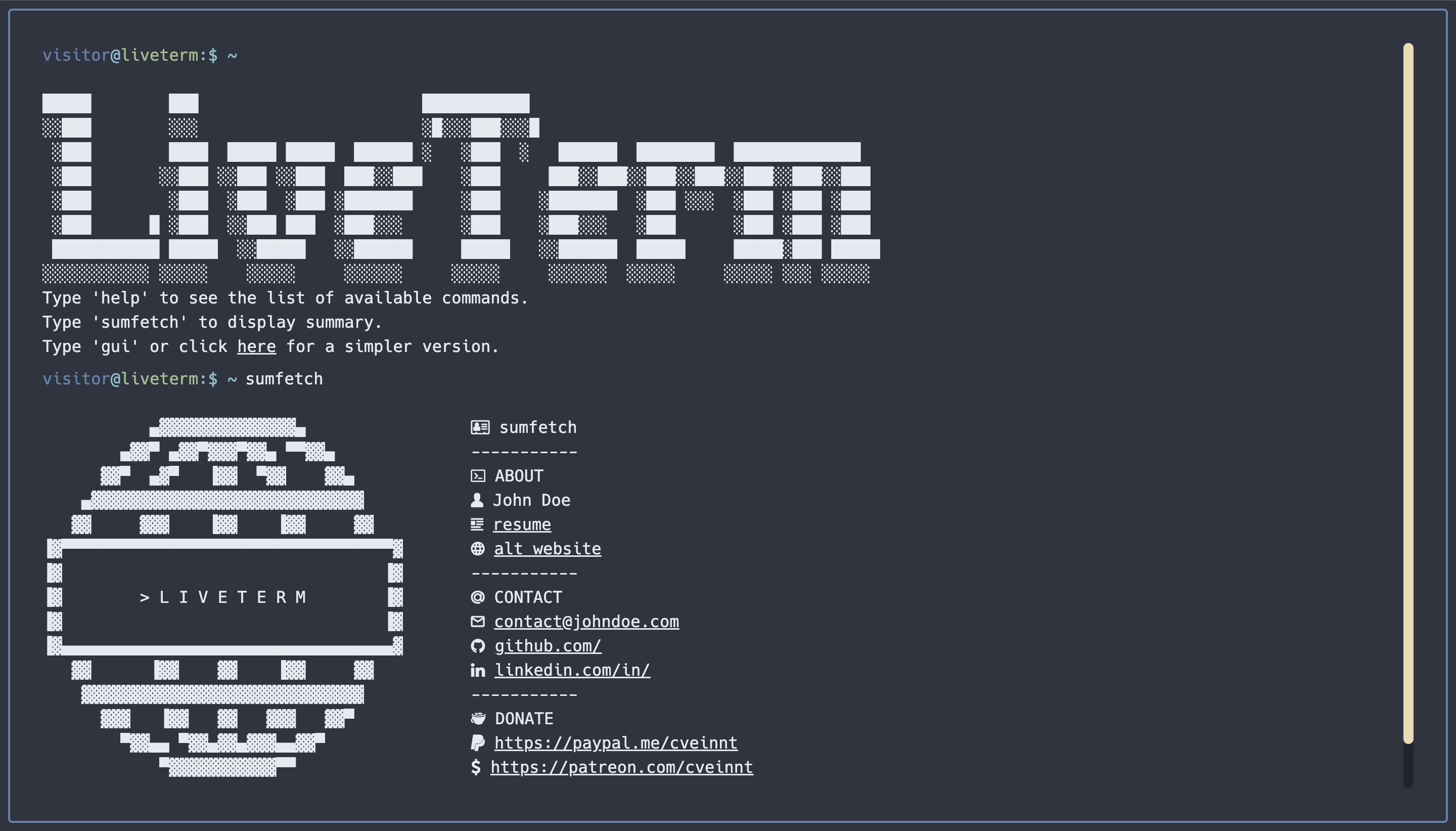
Default LiveTerm
Live version here
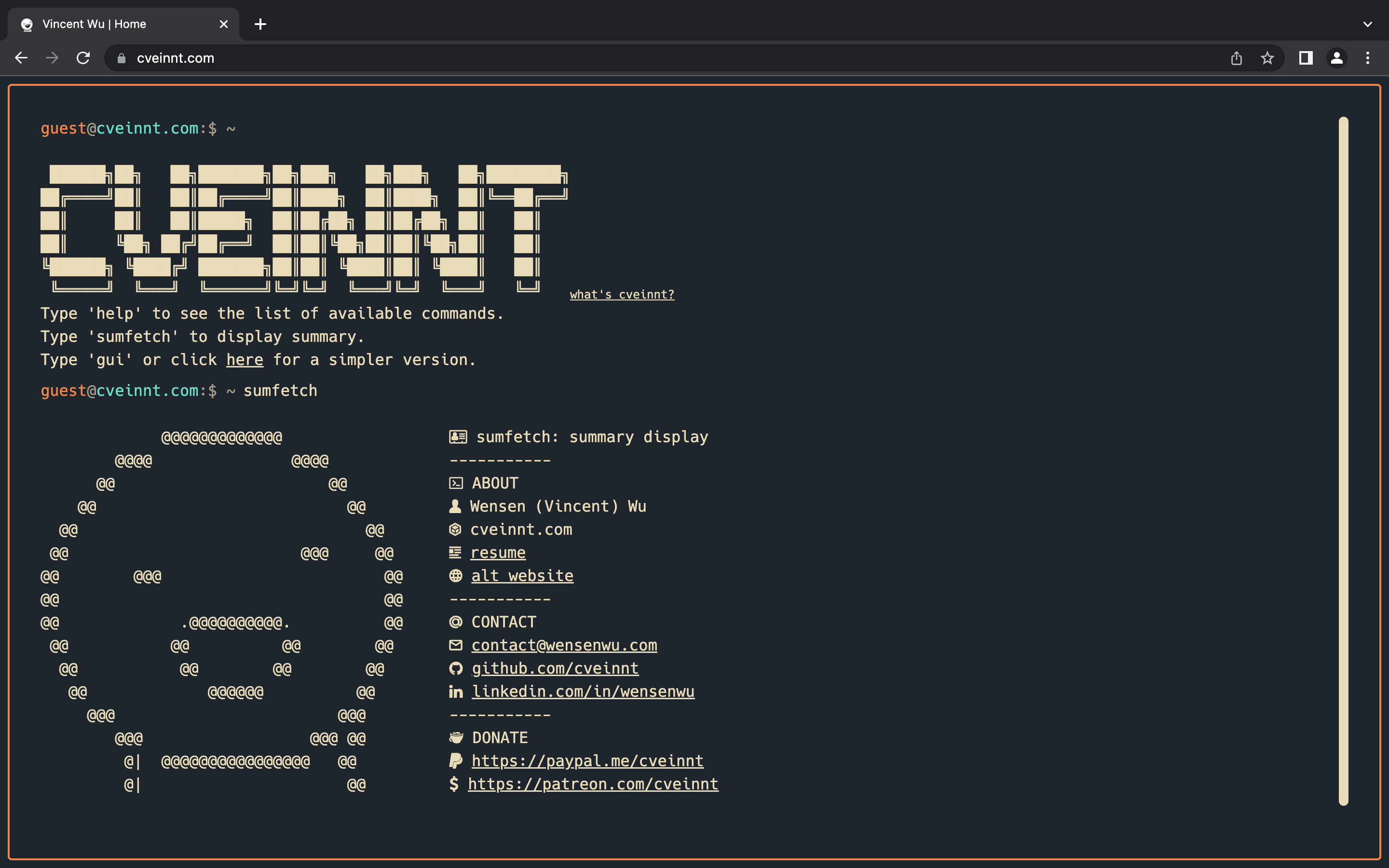
my personal website
Live version here
Quick Start
First, clone this repository:
git clone https://github.com/Cveinnt/LiveTerm.git
Then, install dependencies:
yarn install
Now you can start development!
yarn dev
Or, you can build the project:
yarn build && yarn start
Configuration
Basic Configuration
Most of the configuration is done through the config.json file.
{
  "readmeUrl": //create a Github README and link it here!
  "title": //title of the website
  "name": //returned by the command of the same name
  "social": {
    "github": // your handle
    "linkedin": // your handle
  },
  "email": // your email
  "ps1_hostname": //hostname in prompt
  "ps1_username": "guest", // username in prompt
  "non_terminal_url": "W",
  "colors": {
    ... // you can use existing templates in themes.json or use your own!
  }
}
Feel free to change it as you see fit!
You can find several pre-configured themes in themes.json, and you can replace the colors in config.json with the theme color you like! The themes are based on the themes on this website.
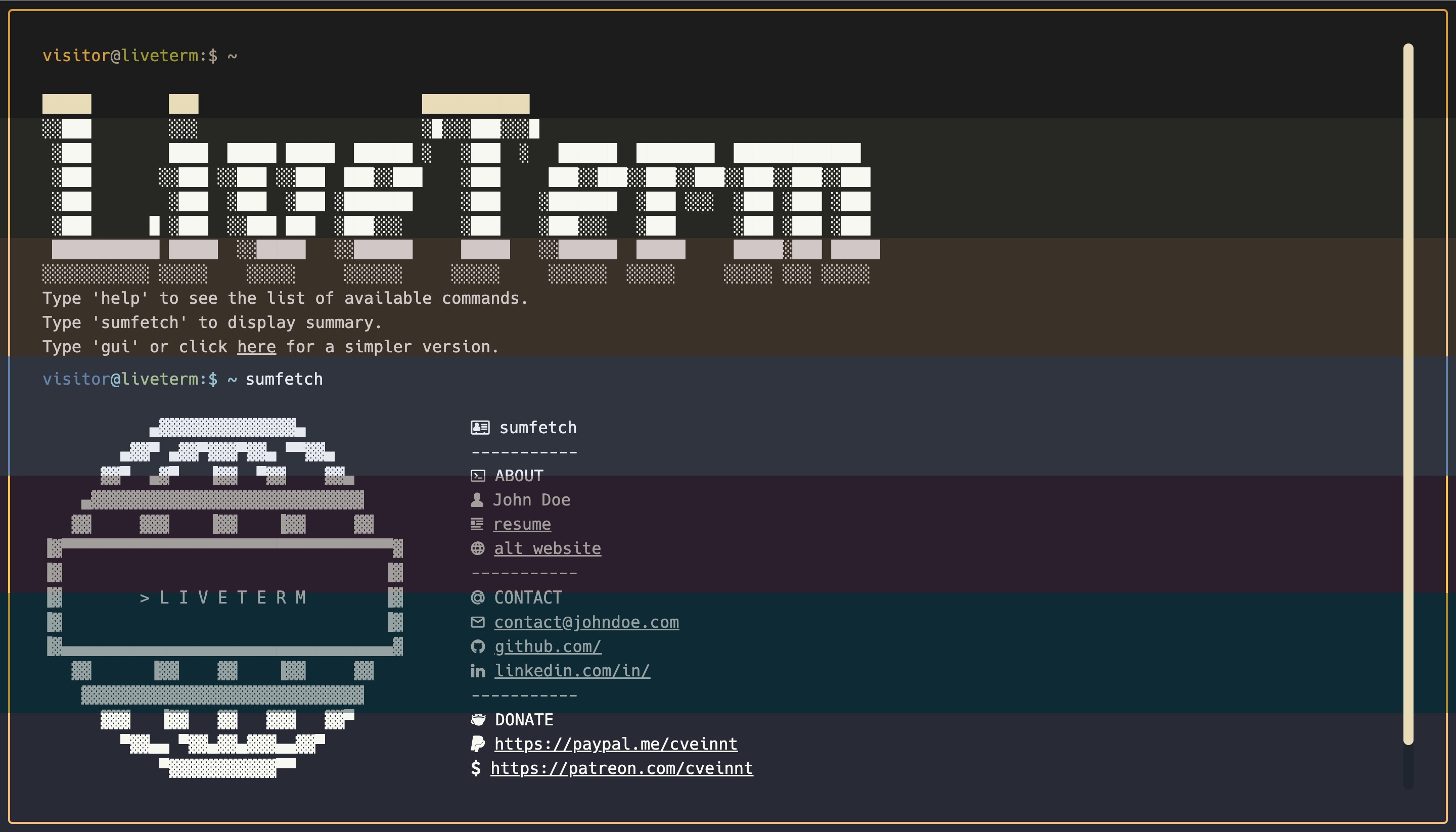
different LiveTerm themes
Just replace "light" or "dark" in the "color" part of the config file!
Favicons
Favicons are located in public/, along with other files you may want to upload. I used this website to generate favicons.
Banner
You may also want to change the output of banner command. To do that, simply paste your generated banner in src/utils/bin/utils.ts. I used this website to generate my banner.
Advanced Configuration
If you want to further customize your page, feel free to change the source code to your preference!
Deploy on Vercel
The easiest way to deploy a Next.js app is to use the Vercel Platform from the creators of Next.js.
Check out Next.js deployment documentation for more details.
Credit
Based on M4TT72's awesome Terminal.