
4.5 KiB
For Educators
Feel free to use this curriculum in your classroom. It integrates smoothly with GitHub Classroom and popular LMS platforms, and it can also be used as a standalone repository with your students.
Using GitHub Classroom
To manage lessons and assignments for each cohort, create a separate repository for each lesson so GitHub Classroom can link each assignment individually.
- Fork this repository to your organization.
- Create a dedicated repository for each lesson by extracting each lesson folder into its own repository.
- Option A: Create empty repositories (one per lesson) and copy the contents of the lesson folder into each.
- Option B: Use a method that preserves Git history (e.g., splitting a folder into a new repository) if you need to maintain provenance.
- In GitHub Classroom, set up an assignment for each lesson and link it to the corresponding lesson repository.
- Recommended settings:
- Repository visibility: private for student submissions.
- Use starter code from the default branch of the lesson repository.
- Add issue and pull request templates for quizzes and submissions.
- Optionally configure autograding and tests if your lessons include them.
- Helpful conventions:
- Repository names like lesson-01-intro, lesson-02-html, etc.
- Labels: quiz, assignment, needs-review, late, resubmission.
- Tags/releases for each cohort (e.g., v2025-term1).
Tip: Avoid storing repositories in synced folders (e.g., OneDrive/Google Drive) to prevent Git conflicts on Windows.
Using Moodle, Canvas, or Blackboard
This curriculum includes importable packages for common LMS workflows.
- Moodle: Use the Moodle upload file Moodle upload file to load the entire course.
- Common Cartridge: Use the Common Cartridge file Common Cartridge file for broader LMS compatibility.
- Notes:
- Moodle Cloud has limited support for Common Cartridge files. Prefer the Moodle file above, which can also be uploaded into Canvas.
- After importing, review modules, due dates, and quiz settings to align with your term schedule.

The curriculum displayed in a Moodle classroom
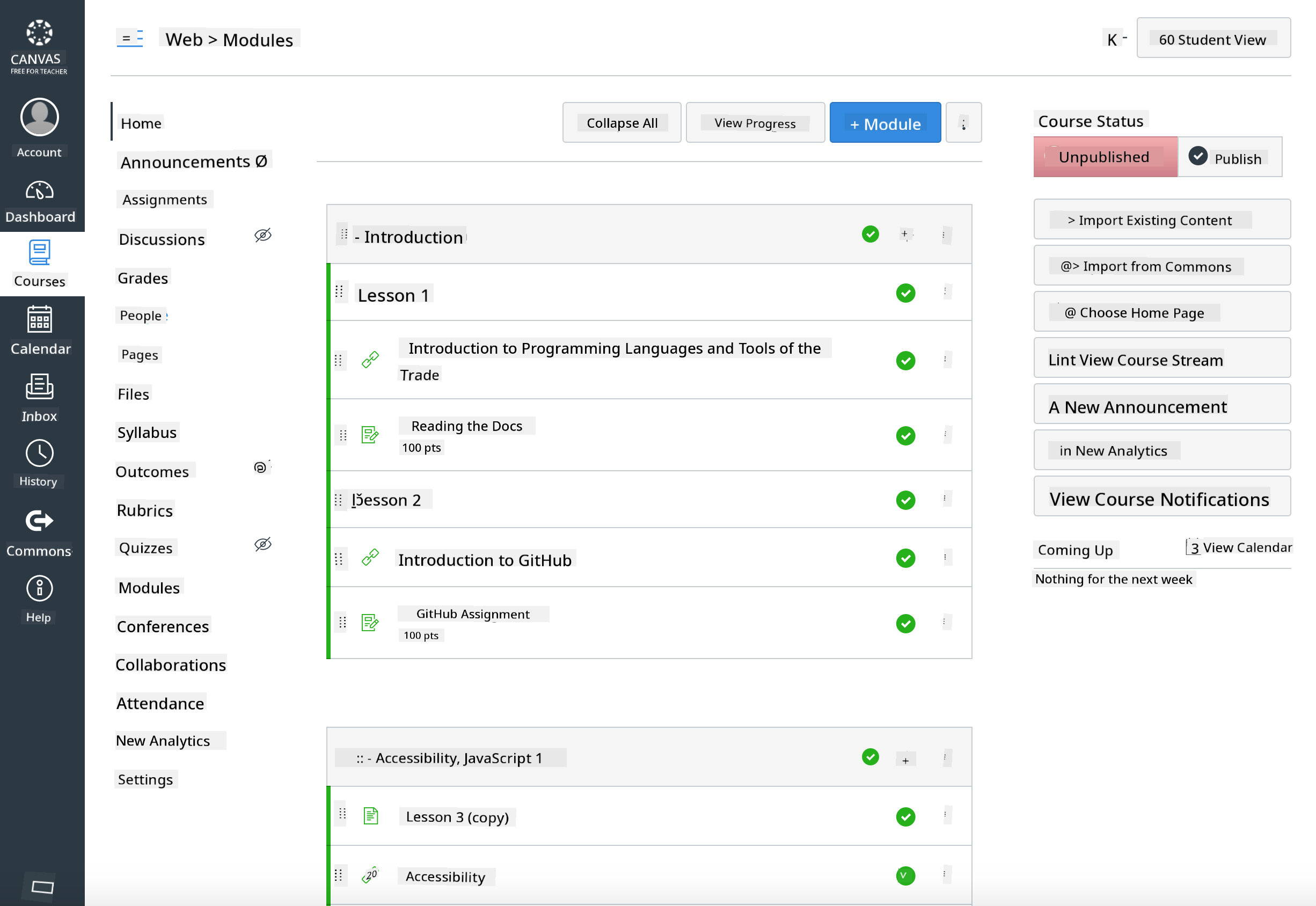
The curriculum displayed in Canvas
Using the Repository Directly (Without GitHub Classroom)
If you choose not to use GitHub Classroom, you can run the course directly from this repository.
- Synchronous/online formats (Zoom/Teams):
- Conduct short mentor-led warmups; use breakout rooms for quizzes.
- Announce a time window for quizzes; students submit their answers as GitHub Issues.
- For collaborative assignments, students work in public lesson repositories and submit pull requests.
- Private/asynchronous formats:
- Students fork each lesson into their own private repositories and add you as a collaborator.
- They submit via Issues (quizzes) and Pull Requests (assignments) on your classroom repository or their private forks.
Best Practices
- Offer an introductory lesson on Git/GitHub basics, Issues, and Pull Requests.
- Use checklists in Issues for multi-step quizzes/assignments.
- Add CONTRIBUTING.md and CODE_OF_CONDUCT.md to establish classroom norms.
- Include accessibility notes (alt text, captions) and provide printable PDFs.
- Version your content for each term and freeze lesson repositories after publishing.
Feedback and Support
We want this curriculum to be effective for you and your students. Please open a new Issue in this repository for bugs, suggestions, or improvements, or start a discussion in the Teacher Corner.
Disclaimer:
This document has been translated using the AI translation service Co-op Translator. While we aim for accuracy, please note that automated translations may contain errors or inaccuracies. The original document in its native language should be regarded as the authoritative source. For critical information, professional human translation is recommended. We are not responsible for any misunderstandings or misinterpretations resulting from the use of this translation.